December 22nd, 2007
¸ÆºÏÇÁ·Î ¹èÅ͸®°¡ °íÀå³ ¸ð¾çÀÌ´Ù.
5ºÐµµ ¸ø°¡¼ Àü±âÄڵ带 °©Àڱ⠻ÌÀºµí ‘ÇÈ’²¨Á® ¹ö¸°´Ù.
°æ±âµµ¿¡´Â A/S°¡ ¾ø´Ù.
Â÷¸¦ ¸ô°í °³²ÂÊÀ¸·Î °¬´Ù. ¿äÁò °³²Àº ³Ê¹« ¸·Èù´Ù. Â¥Áõ³ª´Â °÷ÀÌ µÇ¾î ¹ö·È´Ù.
¹èÅ͸® ¹«»ó±³È¯.
¿ù¿äÀÏ¿¡ Åùè·Î º¸³» ´Þ¶ó°í ÇØ¾ß °Ú´Ù.

No Comments » |
³ªÀÇ ³ëÆ®ºÏ ¸ÆºÏÇÁ·Î |
Permalink
Posted by admin
October 31st, 2007
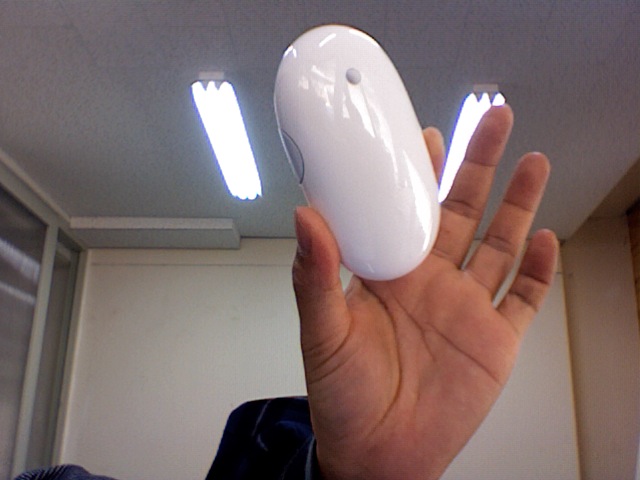
Apple wireless mighty mouse disassembling & cleaning
ºÐÇØº¸´Ù´Â ¶â¾î³»´Â °Í °°½À´Ï´Ù. ³ªÁß¿£ ¼ø°£Á¢ÂøÁ¦·Î ºÙ¾î¾ß ÇÕ´Ï´Ù.
No Comments » |
VIDEO, ³ªÀÇ ³ëÆ®ºÏ ¸ÆºÏÇÁ·Î |
Permalink
Posted by admin
May 7th, 2007
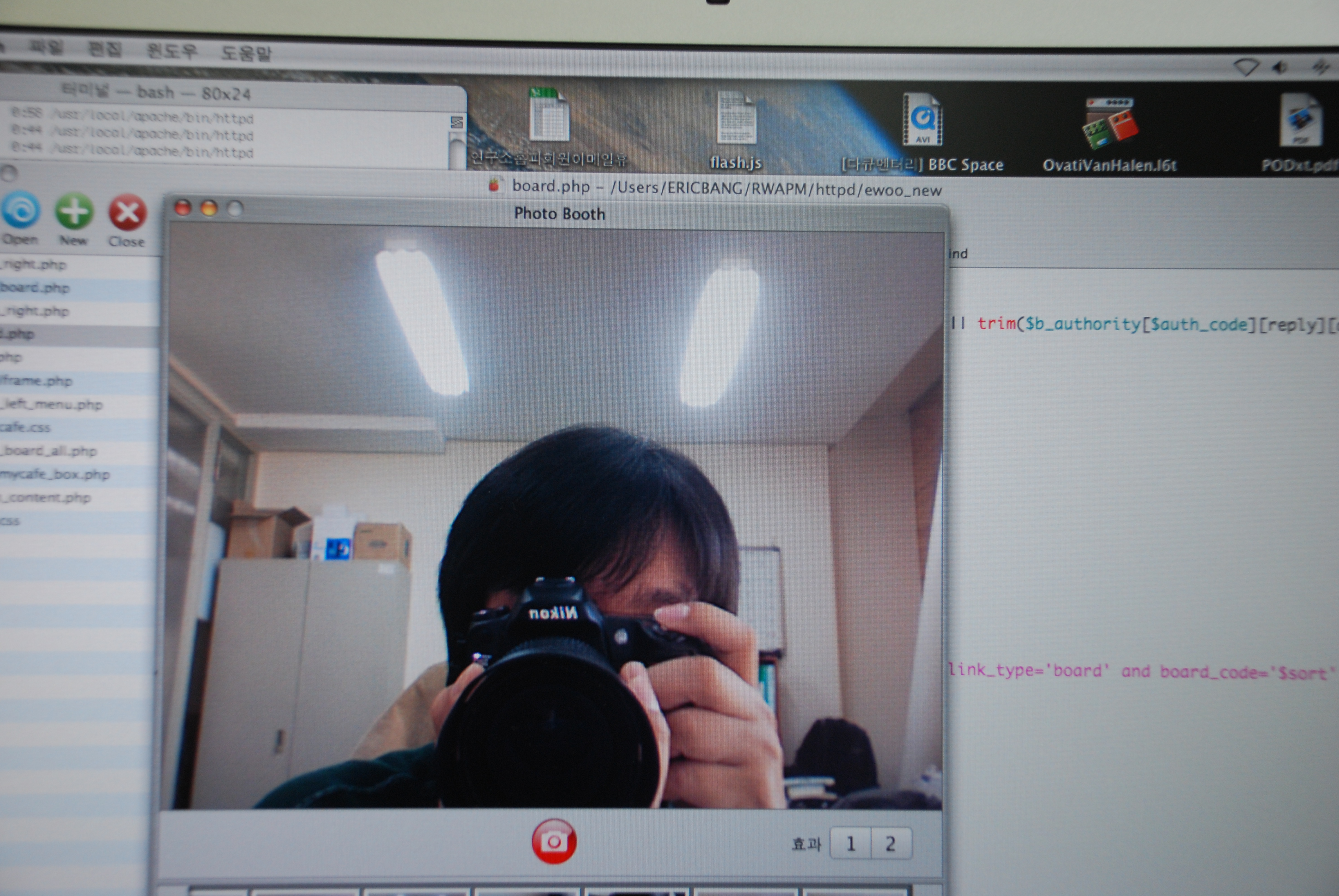
³» Ã¥»ó¿£ °Å¿ïÀÌ ¾ø´Ù. Æ÷ÅäºÎ½º¸¦ ¿©´Â °ÍÀ¸·Î °£´ÜÇÑ ¸Ó¸®¼ÕÁú Á¤µµ´Â ÇÒ ¼ö ÀÖ´Ù.
¿µÈ ‘½ºÆäÀ̽º¿Àµ÷¼¼ÀÌ’¿¡¼ ó·³ ¸ÆºÏÇÁ·Î°¡ ÀÚ½ÅÀ» ÄÜÆ®·ÑÇÑ´Ù¸é ÁÖÀÎÀ» ¸ô·¡ ÁöÄѺ¼¼öµµ ÀÖ°ÚÁö.
Ȥ½Ã ½ºÆ¼ºêÀ⽺°¡ ³ª¸¦ º¸°í ÀÖÁö´Â ¾Ê°ÚÁö..

No Comments » |
³ªÀÇ ³ëÆ®ºÏ ¸ÆºÏÇÁ·Î |
Permalink
Posted by admin
November 2nd, 2006

¹Ù·Î À̳ðÀÌÁÒ.. ¾ÖÇÃÀÇ ¹«¼± ¸¶ÀÌÆ¼ ¸¶¿ì½º…
ºí·çÅõ½º·Î ÀÛµ¿µÇ¸é °ÇÀüÁö Çϳª³Ö°í - µÎ°³ ³ÖÀ¸¸é ¿À·¡¾²Áö¸¸ ³Ê¹« ¹«°Å¿ö¼ - ºí·çÅõ½º Àåºñ °Ë»öÇß´õ´Ï ¹Ù·Î ÀÛµ¿°¡´ÉÇÏ´õ±º¿ä…
·¹ÀÌÀú¶ó »¹°Ç ºÒÀº ¾ø°í ºûÀº º¸ÀÌÁú ¾Ê´Â±º¿ä..
ÀÏ´Ü ¼±ÀÌ ¾ø¾î ÆíÇÏ°í ºí·çÅõ½º¶ó ³ëÆ®ºÏ¿¡ ¼ö½Å±â¸¦ ´Þ¾Æ¾ß ÇÒ Çʿ䵵 ¾ø¾î Æí¸®ÇÕ´Ï´Ù. - ³» ³ëÆ®ºÏÀº ¸ÆºÏÇÁ·ÎÀÌ°í ¸Æ¿À¿¡½º »ç¿ëÁß.
ÈÙ°°Àº »óÇÏÁ¿ì 360µµ µ¹¾Æ°¡´Â °ÍÀÇ °¨Ã˰ú ´À³¦µµ ²Ï ÁÁ±º¿ä…
±×·¯³ª ³ª¿¡°Õ ´ÜÁ¡ÀÌ Á» Àִµ¥ …
- ¿À¸¥ÂÊ ¸¶¿ì½º¸¦ ´©¸¦¶§´Â ¿ÞÂÊÀÇ ¼Õ°¡¶ôÀ» ¶§°í ´·¯¾ß¸¸ È¿°úÀÖ¾î¼ µÎ¹öư ¸¶¿ì½º¸¦ ¾µ¶§¶ûÀº ¾ÆÁÖ ¾à°£ÀÇ Â÷À̰¡ ÀÖ½À´Ï´Ù.
- ¶Ç °¡¿îµ¥ ÈÙ¹öưÀ» Àú´Â º¸Åë ¿£ÅÍ·Î ³õ°í ¾²´Âµ¥ ¼³Á¤ÇÒ ¼ö°¡ ¾ø´õ±º¿ä…
- ±×¸®°í »çÀÌµå ¹öưÀº ´©¸£±â°¡ Á» Èûµì´Ï´Ù. ²Ë ´·¯Áà¾ß Çϰí…
- »çÀ̵å¹öưÀº º¸Åë µÚ·Î°¡±â·Î »ç¿ëÇϴµ¥ ÀÌ °Íµµ ¼³Á¤ÇÒ ¼ö°¡ ¾ø±º¿ä…
³ªÁß¿¡ ȯ°æ¼³Á¤¿¡ ¸Þ´º¿¡ Ãß°¡ÇÏ¿´À¸¸é ÁÁ°ÚÀ¸³ª ±×·²°Í °°Áö´Â ¾Ê³×¿ä…
ÇÏ¿©Æ° ¼±ÀÌ ¾ø¾î ÆíÇÏ°í ¸Æ¿À¿¡½º¿¡ ¸¹Àº ÀÀ¿ëÇÁ·Î±×·¥µé°ú ȣȯ¼ºÀÌ ÁÁÀ¸´Ï °ÃßÀÓ´Ù…
No Comments » |
³ªÀÇ ³ëÆ®ºÏ ¸ÆºÏÇÁ·Î |
Permalink
Posted by admin
August 27th, 2006

¹Ì±¹¿¡¼ Ãâ½ÃÇÑ°Ô ¿¾³¯Àε¥ ¾ÖÇÃÄÚ¸®¾Æ… ³Ê¹« ±â´Ù¸®°Ô Çϳ×.
´À¸®´Ù ´À·Á.. ÄÚ¸®¾Æ…
1 Comment |
³ªÀÇ ³ëÆ®ºÏ ¸ÆºÏÇÁ·Î |
Permalink
Posted by admin
August 17th, 2006

¸ÆºÏÇÁ·Î¸¦ ±¸ÀÔÇÏ¿´½À´Ï´Ù.
¿¹ÀüºÎÅÍ ³ªÀÇ ´«±æÀ» ²ø¸ç À¯È¤À» ÇÏ¿´´ø ¾ÖÇÃÀÇ ¸¹Àº ³ëÆ®ºÏµéÀÌ ÀÖ¾úÁö¸¸ ¿î¿µÃ¼Á¦¸¦ ¹Ù²ã¾ß ÇÑ´Ù´Â Á¡°ú ±× ´ç½ÃÀÇ ºÐÀ§±â¶§¹®¿¡ ³²ÀÇ ¾Ö±â·Î¸¸ ¿©±â°í ÀÖ¾ú½À´Ï´Ù.
¸Æ¿¡¼ À©µµ¿ì¸¦ ¼³Ä¡ÇÒ ¼ö ÀÖ´Ù´Â ³î¶ó¿î ¼Ò½ÄÀº ¾ÖÇÃÀÌ ¿Ö ±×·± ÁþÀ» Çß´ÂÁö¿Í µåµð¾î ¸ÆÀ» ¾µ¼ö ÀÖ°Ú´Ù´Â ¾à°£Àº »ó¹ÝµÈ ´À³¦ÀÌ¿´½À´Ï´Ù. ¸¶Ä§³» ¸ÆºÏÇÁ·Î ±¸ÀÔ¿¡ À̸£°Ô µÇ¾ú½À´Ï´Ù. ±×¶§ÀÇ »ý°¢Àº À©µµ¿ì¸¦ ¾µ·Á´Â »ý°¢ÀÌ¿´°í ºÎƮķÇÁ º£Å¸ ÇÁ·Î±×·¥À¸·Î À©µµ¿ì¸¦ ¼³Ä¡ÇÏ¿´½À´Ï´Ù.
¸ÆºÏÇÁ·Î¿¡¼ À©µµ¿ì´Â °ÅÀÇ ¿Ïº®ÇÏ°Ô ¼¼ÆÃµÇ¾ú°í ¾à°£ÀÇ ºÒÆíÇÔÀÌ ÀÖ¾úÁö¸¸ ºÎƮķÇÁ Á¤½Ä¹öÀüÀ» ±â´Ù¸®´Â °ÍÀ¸·Î ÂüÀ»¼ö ÀÖ¾ú½À´Ï´Ù.
MAC OSX¸¦ ޱ¸Çϸé Á¡Á¡ ´À³¢´Â Á¡Àº ÀÌ °ÍÀº Á¤¸» ÈǸ¢ÇÑ ¿î¿µÃ¼Á¦À̸ç À̹ø ±âȸ¿¡ ¿î¿µÃ¼Á¦¸¦ ¹Ù²ã¾ß °Ú´Ù´Â È®½ÅÀÌ µé±â ½ÃÀÛÇß½À´Ï´Ù. ³ªÀÇ ÄÄÇ»ÅÍ È¯°æÀº ÃæºÐÈ÷ ¸ÆÀ¸·Î ÀüȯÀÌ °¡´ÉÇÏ´Ù´Â È®½ÅÀÌ µé¸é¼ ¸¶Ä§³» ¸ÆÀ¸·Î ÀüȯÇÏ°Ô µÇ¾ú½À´Ï´Ù.
´ÙÀ½ Æ÷½ºÆ®¿¡´Â ³ªÀÇ ¾÷¹«¿Í ¸ÆÀ¸·ÎÀÇ Àüȯ °úÁ¤À» ¼³¸íÇϰڽÀ´Ï´Ù.
No Comments » |
³ªÀÇ ³ëÆ®ºÏ ¸ÆºÏÇÁ·Î |
Permalink
Posted by admin
July 26th, 2006

ÇìµåÆùÀ» ³¢¿öµµ ³ëÆ®ºÏ ½ºÇÇÄ¿¿¡¼ »ç¿îµå ³ª¿À´Â ¹®Á¦…. ¾Æ·¡ ¸µÅ©¿¡¼ ·¹Áö½ºÆ®¸®·Î °Á¦·Î º¯°æÇÏ¸é µÇ±äÇϴµ¥ ³Ê¹« ºÒÆíÇѵ¥..
* À§ ÇìµåÆù´ÜÀÚ¿¡ µðÁöÅÐÁ¤º¸¸¦ ´ã°í ÀÖ´Â »¹°Ç ±¤¼±ÀÌ ³ª¿À°í ÀÖ´Ù.
¸µÅ©¹Ù·Î°¡±â
À§ ¸µÅ©¿¡¼ ·¹Áö½ºÆ®¸®¸¦ ¼öÁ¤ÇÏ°í ·¹Áö½ºÆ®¸® ÈÀÏÀ» ¸¸µé¾î ¹ÙÅÁȸ鿡 ³õ°í »ç¿ëÇÏ¸é Æí¸®ÇÏ´Ù.
·¹Áö½ºÆ®¸® ÆÄÀÏ ³»¿ëÀº
½ºÇÇÄ¿¿Â :
Windows Registry Editor Version 5.00
[HKEY_LOCAL_MACHINE
SYSTEMCurrentControlSetControlClass{4D36E96C-E325-11CE-BFC1-08002BE10318}
No Comments » |
³ªÀÇ ³ëÆ®ºÏ ¸ÆºÏÇÁ·Î |
Permalink
Posted by admin
July 25th, 2006
À©µµ¿ì ·¹Áö½ºÆ®¸® ¼öÁ¤…
The short solution for people who know how to edit the registry:
A DWORD key called HKEY_LOCAL_MACHINESYSTEMCurrentControlSetControlTimeZoneInformationRealTimeIsUniversal needs to have the value of “1″
The step-by-step solution is as follows:
1. Boot Windows
2. Click Start –> Run and type regedit. Click OK
3. The Windows Registry Editor should pop up. Navigate within the explorer to:
HKEY_LOCAL_MACHINESYSTEMCurrentControlSetControlTimeZoneInformation
4. Click on the TimeZoneInformation “folder” from the navigation pane if you haven’t already done so.
5. This assumes the correct key doesn’t exist. If it does, you will just change the existing key’s value: Right click on the white space within the folder (If you don’t have a right mouse button, you may need to download a program called applemouse to emulate the “control-click” of the apple 1-button mouse). Select new –> DWORD Value. Title the key “RealTimeIsUniversal” (No quotes). Set the value to “1″ (No quotes again). Hexidecimal should be fine.
6. Either reboot and set the clock in MacOS or set the clock in Windows. You should now be able to reboot into either OS and have a correct clock.
No Comments » |
³ªÀÇ ³ëÆ®ºÏ ¸ÆºÏÇÁ·Î |
Permalink
Posted by admin